
Official SDK and HTTP API
Official SDKs are available for Python, Node.js, and Go. Applications in other languages can call the HTTP API directly and handle response status and error details in their own request layer.
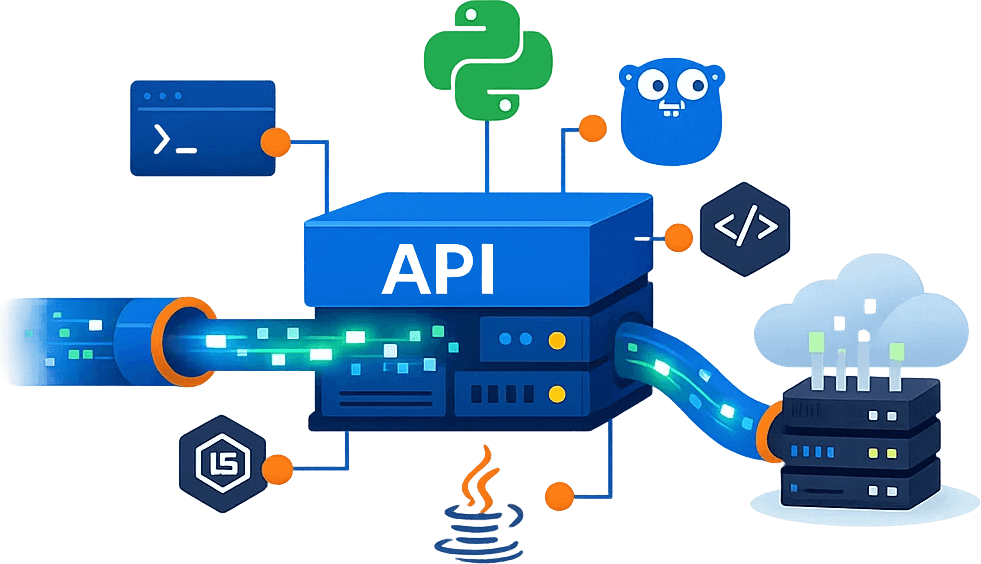
For developers, data teams, and automation projects, it handles access verification such as Cloudflare JS challenges and Turnstile through the HTTPS interface. You can call the HTTP API directly, or use the official SDK or local proxy tools to access it.
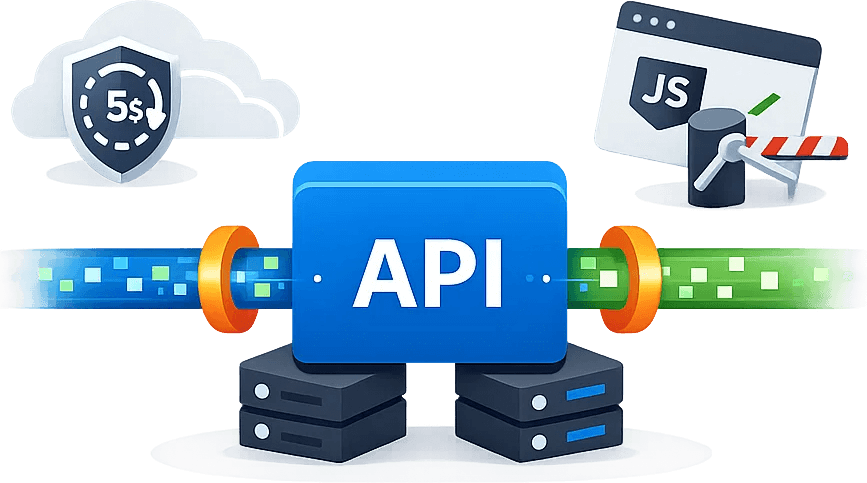
When a standard HTTP request encounters a Cloudflare JS challenge or Turnstile check, Cloudbypass API sends the target request through one HTTPS endpoint. The official SDKs and local proxy tool simplify integration while using the same underlying HTTP API.
curl --include --request GET \
  --url "https://api.cloudbypass.com/user/login.html" \
  --header "x-cb-apikey: <APIKEY>" \
  --header "x-cb-host: example.io"

# Original target URL: https://example.io/user/login.html
# x-cb-protocol defaults to httpsCloudbypass API provides a consistent workflow for testing target pages, configuring request parameters, and moving into production.
Official SDKs are available for Python, Node.js, and Go. Applications in other languages can call the HTTP API directly and handle response status and error details in their own request layer.
Direct requests must include x-cb-apikey and x-cb-host. The SDKs and local proxy tool simplify request construction while routing calls through the same Cloudbypass HTTP API.
It is suitable for scenarios where the browser can access and the program request returns 403. V1 does not need to set x-cb-version, it has a dynamic proxy by default, and each request is stateless.
Request header setting x-cb-version: 2. V2 must provide fixed or time-sensitive x-cb-proxy; sessions can be managed in cookie mode or x-cb-part, and Turnstile can configure x-cb-sitekey.
V2s provides the same core capabilities as V2 with streaming responses for large downloads or incremental processing. Set the x-cb-version request header to 2s.
Get APIKEY from the console, test accessibility first, then select V1, V2, or V2s by verification type.
Register an account and log in to the console to obtain the access credentials required for the project.
Register for Cloudbypass APITest authorized target URLs and confirm x-cb-host, version, and proxy configuration.
Open the code generatorConnect to the existing task and confirm that x-cb-status is ok; if it fails, read the id, code and message in the error JSON.
View Cloudbypass API documentation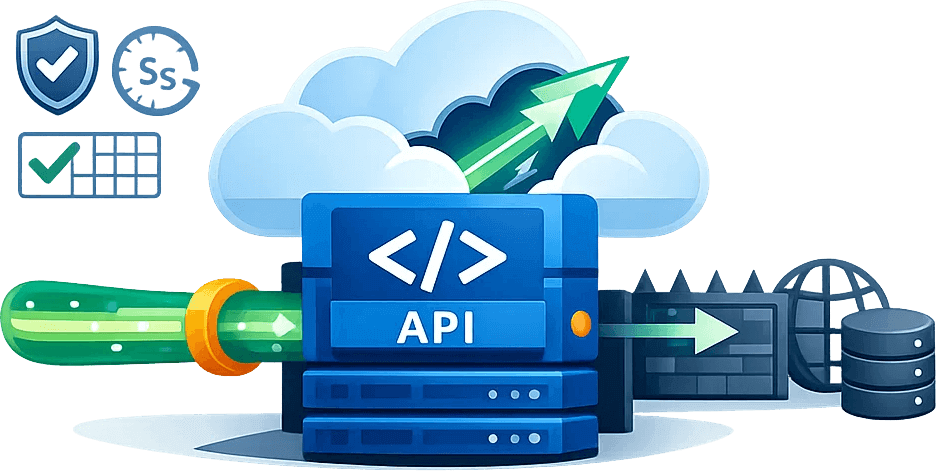
Use Cloudbypass API only for authorized workflows that comply with the target website's terms, with clear request handling and auditable results.
Obtain public page content for structured organization, research and business analysis.
Regularly check for public changes to merchandise, inventory, announcements, or key pages.
Verify page availability and return results in different network environments.
Provide web content to authorized search, summarization, and AI agent workflows.
Choose a points package based on monthly request size and concurrency needs. The prices below are consistent with Cloudbypass's current plans.
80,000 API credits
300,000 API credits
1,000,000 API credits
2,200,000 API credits
4,600,000 API credits
12,000,000 API credits
View frequently asked questions such as product positioning, version selection, access methods, and response status.
First test the target page in the console, and then choose the access method suitable for the project.
 Copyright ©Captchabypass. All rights reserved.Captcha Automation


